
Easy TV navigation
Large, clear focus states make it obvious where you are and what the remote will do next.
Your TV. Your Content. Your Way.
An independent media-player application developed for Samsung Smart TVs, designed around thoughtful navigation, household viewing, multilingual use and provider-supported TV metadata.
Independent media player for the big screen
The essentials are kept clear, readable and easy to reach with a TV remote.
Large, clear focus states make it obvious where you are and what the remote will do next.
Each viewer can keep their own preferences and viewing progress on the same TV.
See what is on now, what comes next, and use catch-up when your own provider supports it.
Choose who is watching and how much time you have. WatchFit then suggests something suitable and explains why.
Watch together without overwriting anyone’s individual progress.
Return to a movie or episode after an interruption without losing your place.
NoxiTV speaks English, Arabic, French, Spanish, Portuguese, German, Italian and Turkish, with a right-to-left layout for Arabic.
Search, favourites, parental protection and playback controls stay readable from across the room.
A short, silent-friendly tour of the main experience. Demo channel names, programme names and artwork are fictional so no private service details are shown.
These screens show the NoxiTV layout and flow using fictional channels, programmes and artwork.
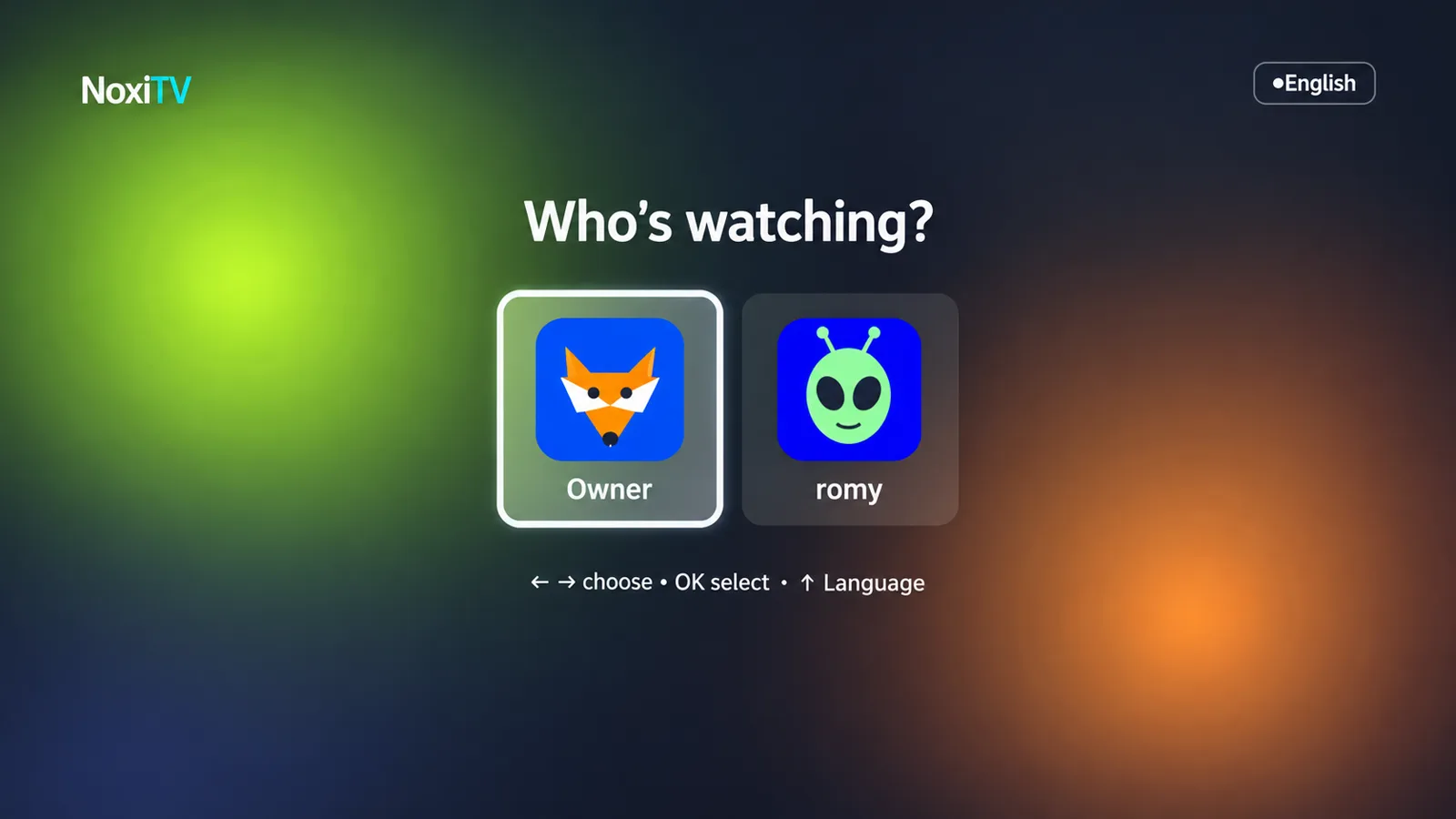
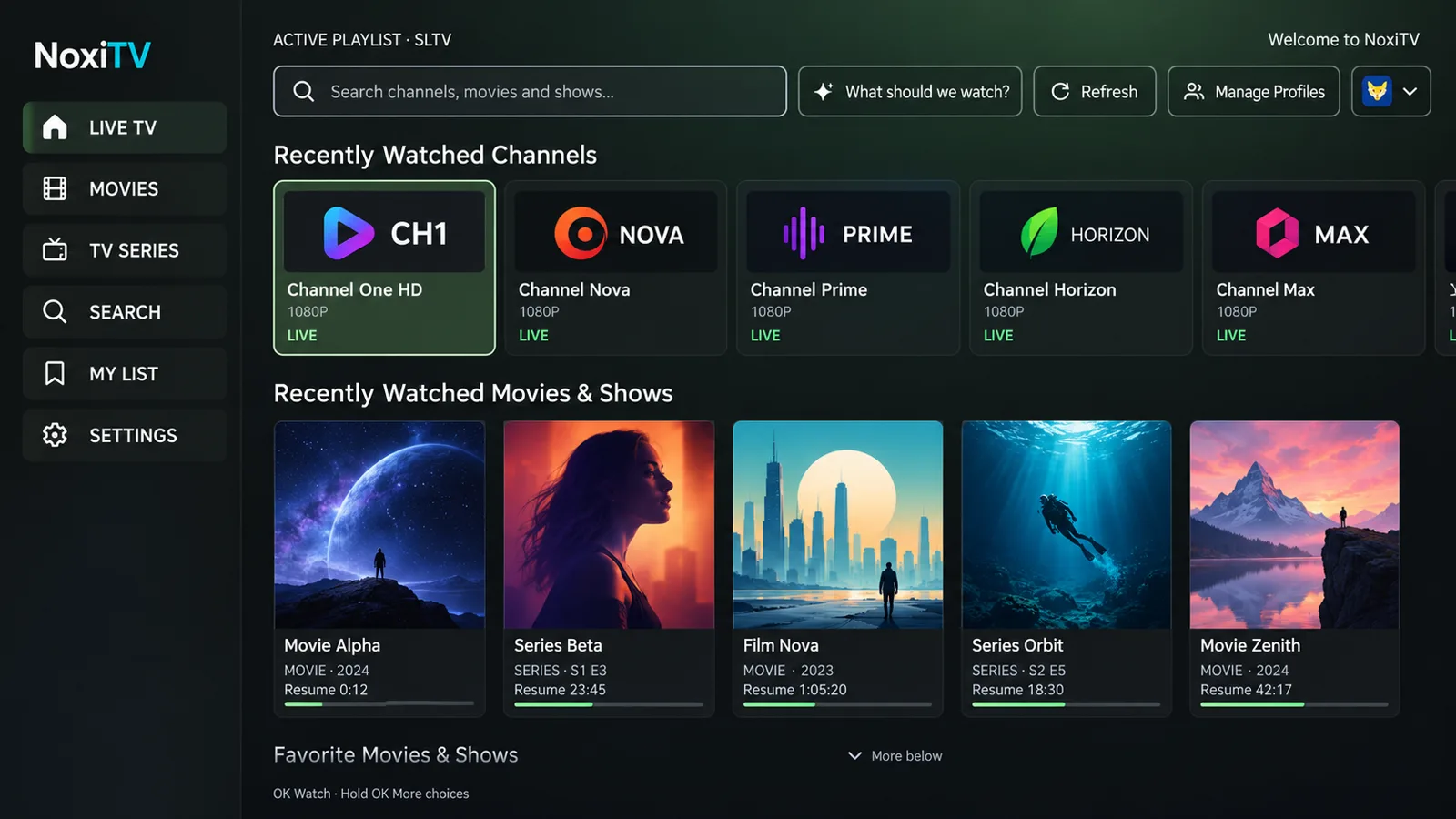
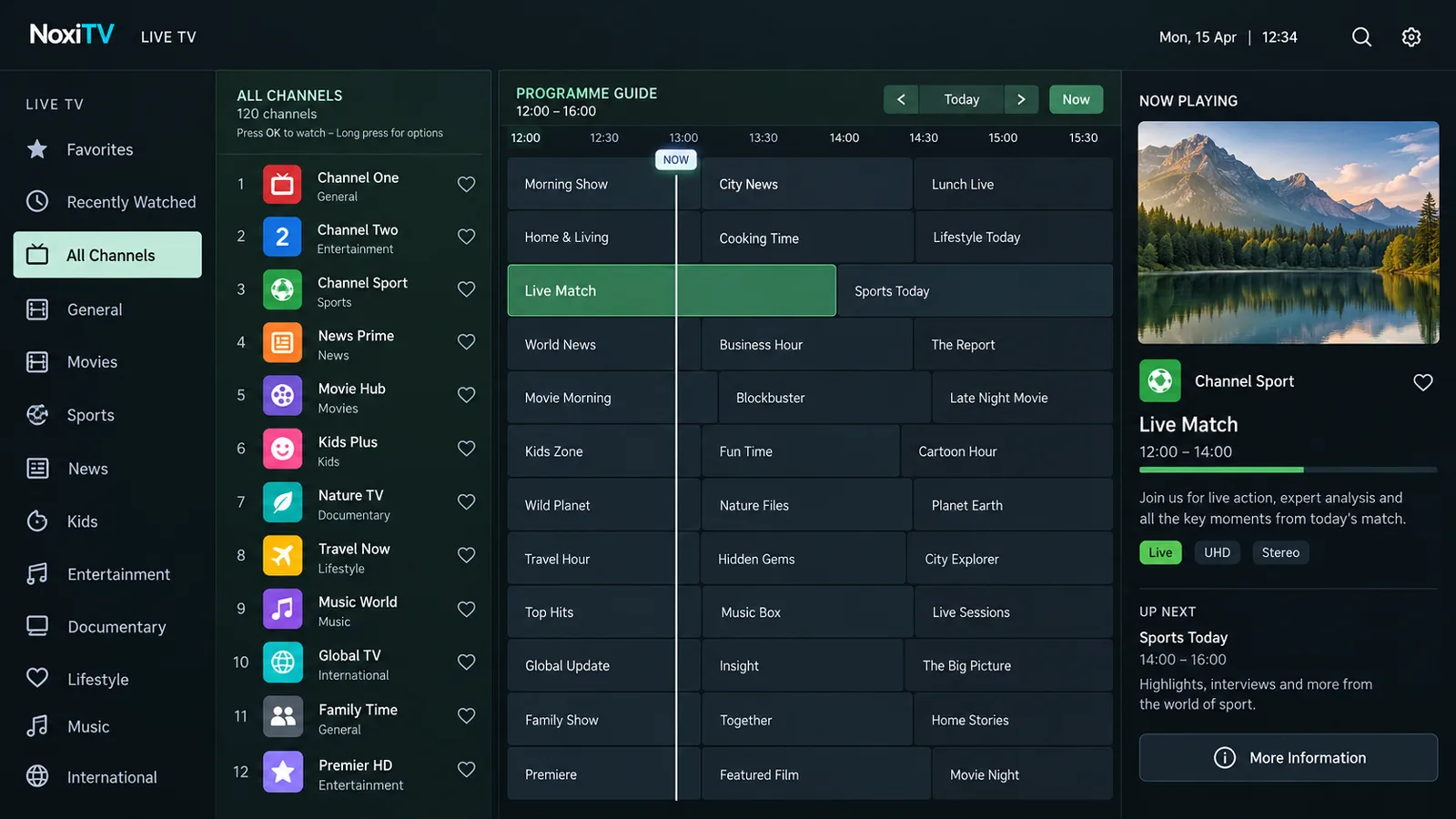
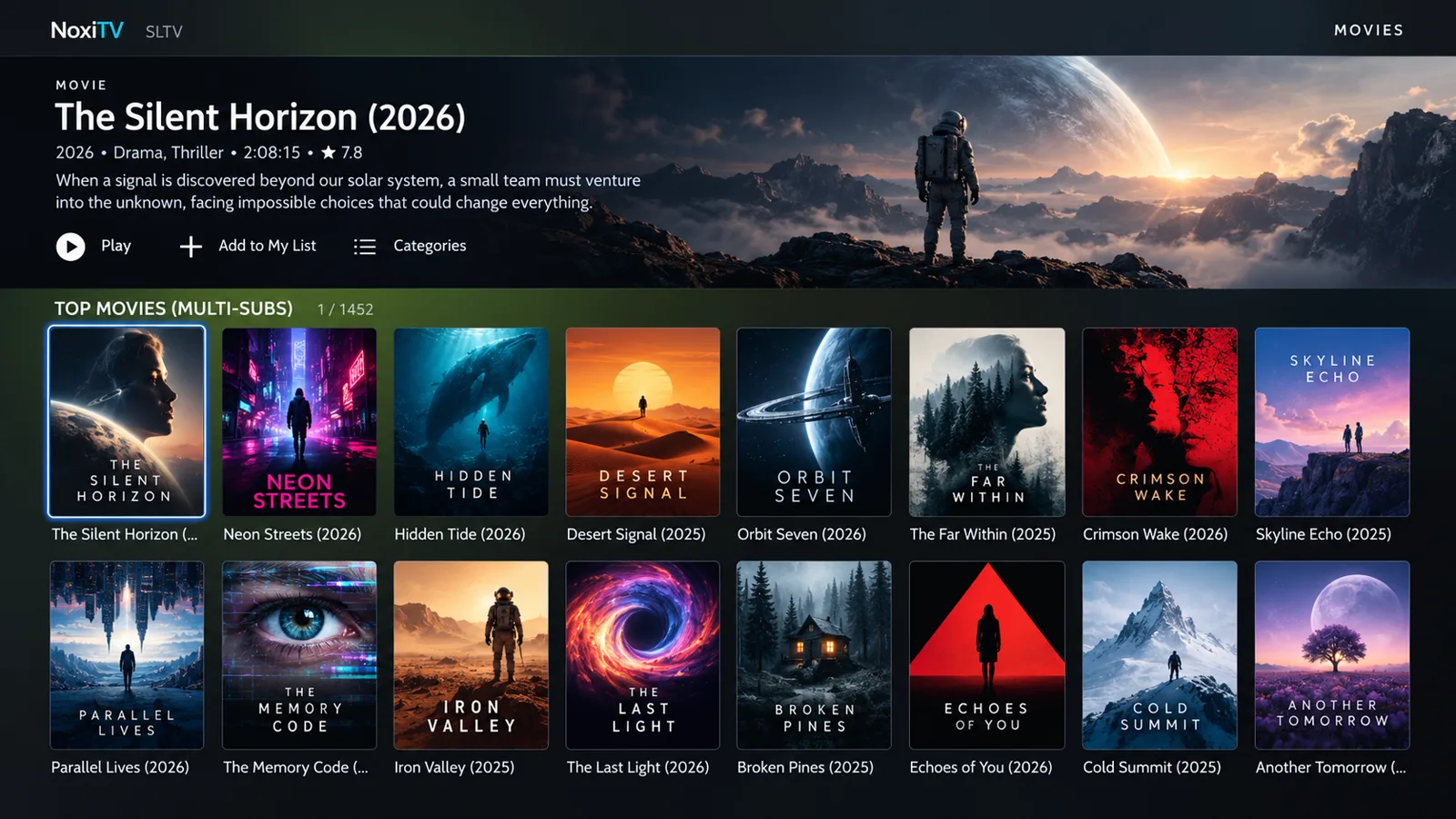
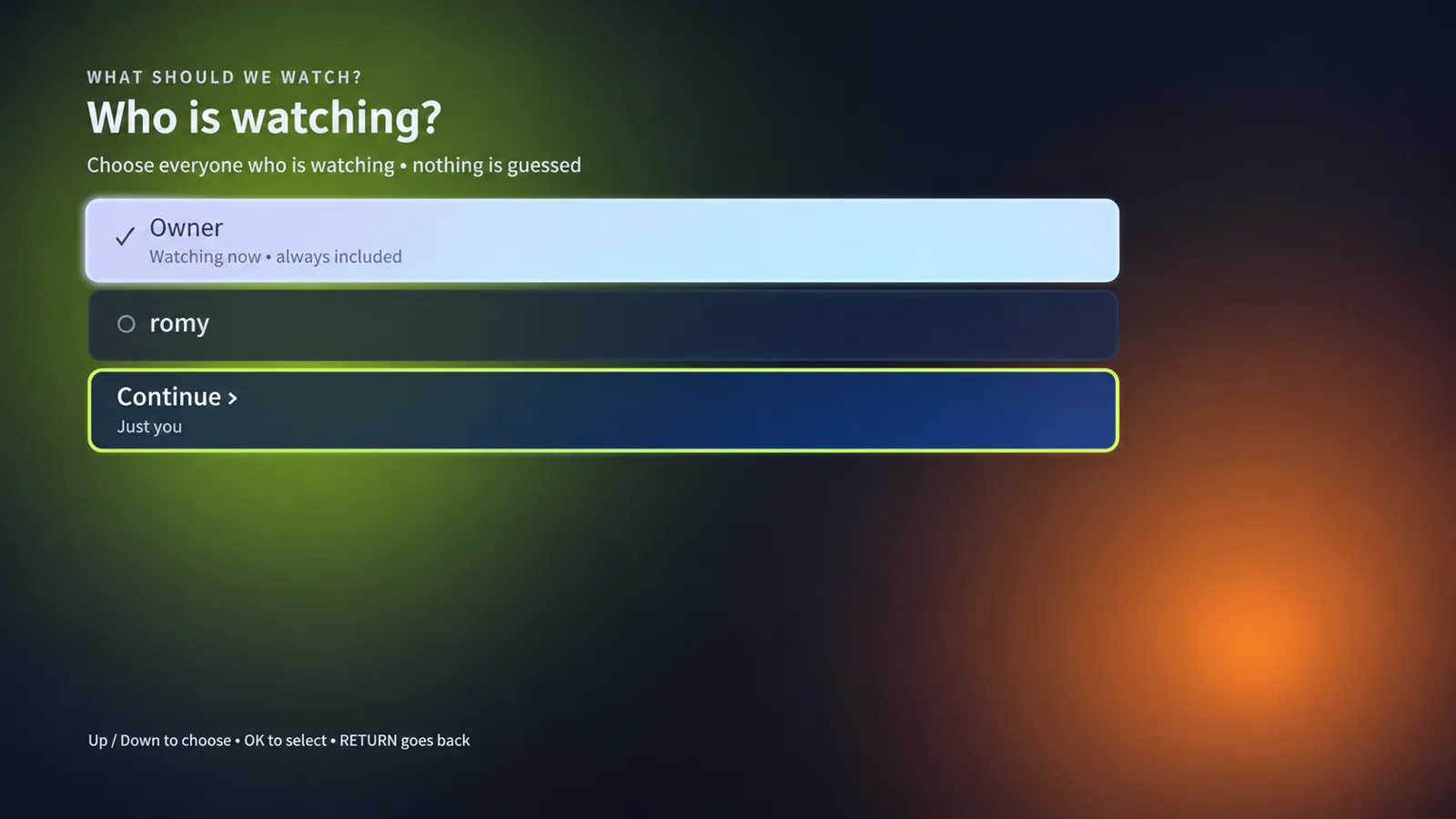
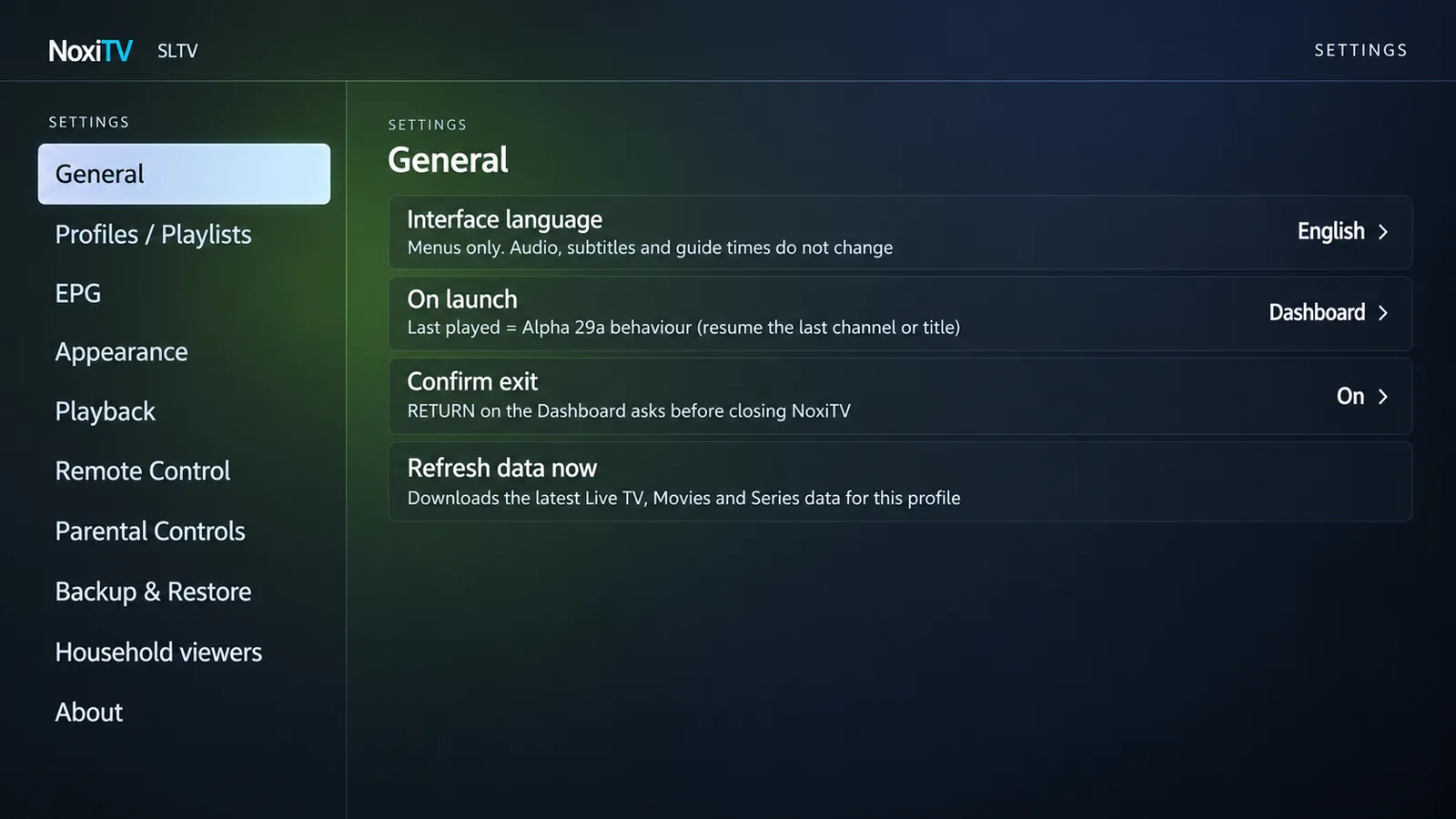
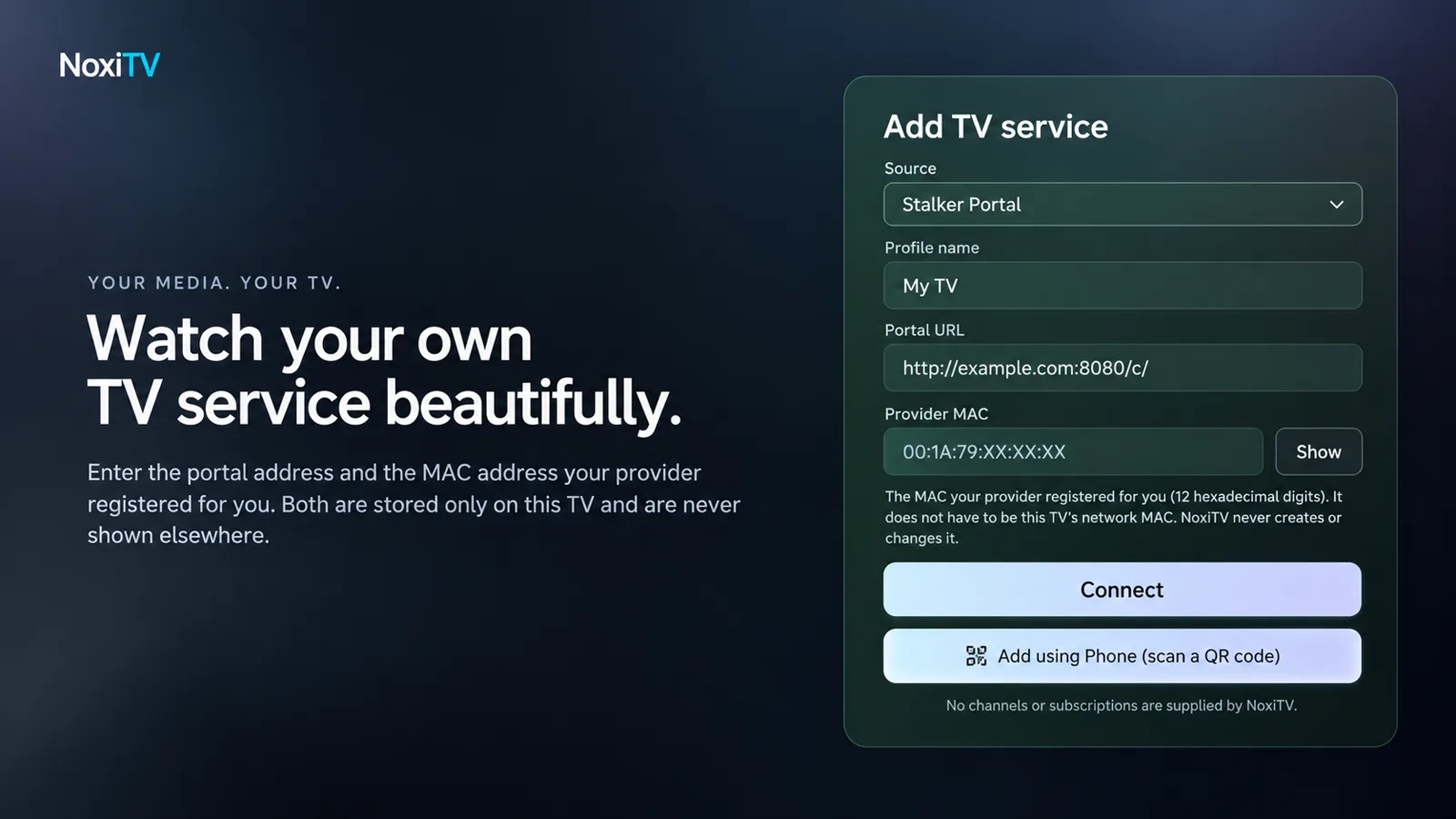
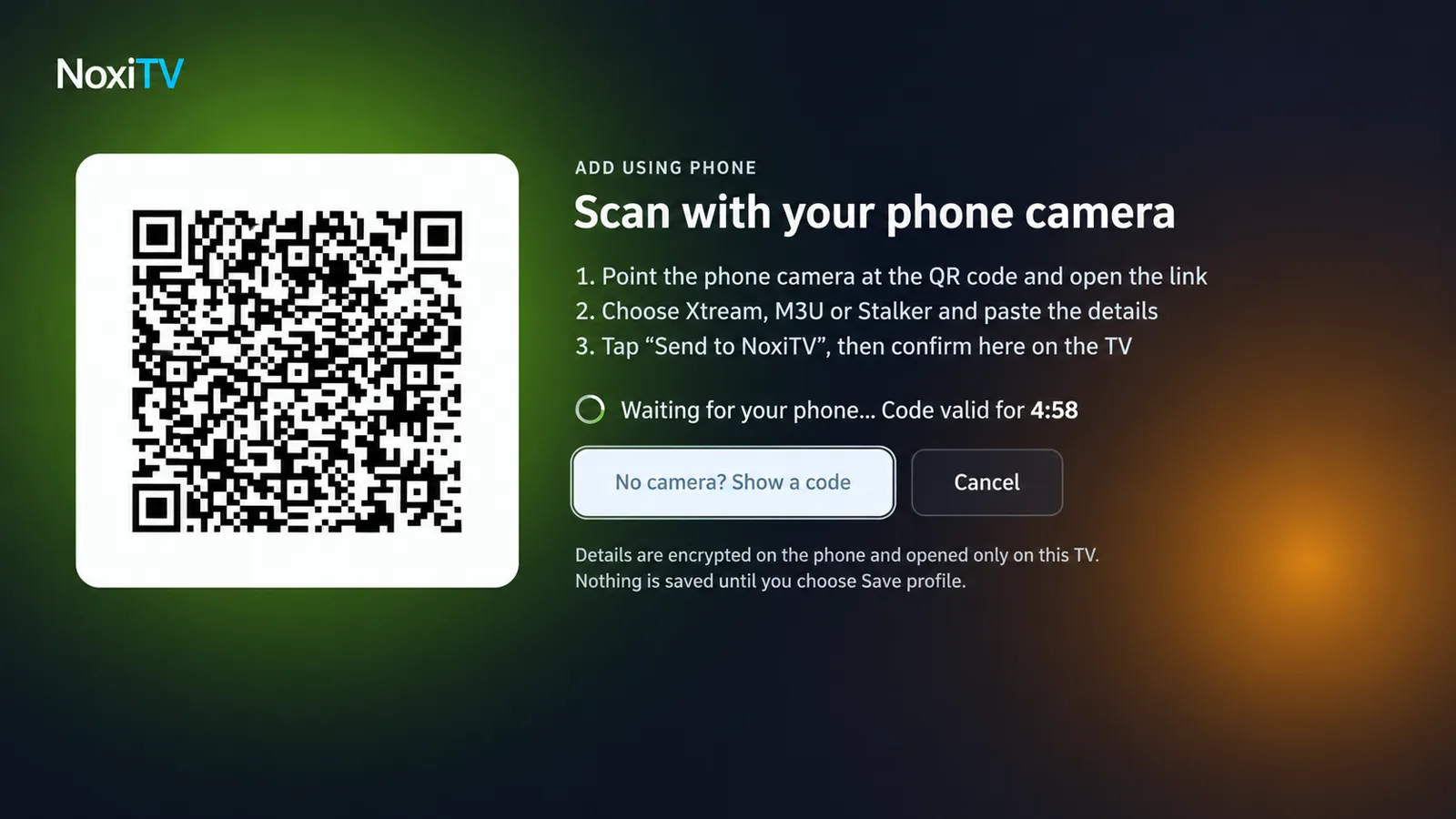
Demo content is fictional. No private subscription details are shown.
Long server addresses and passwords are hard to type with a TV remote. NoxiTV shows a QR code: scan it with your phone camera, enter your service details on the phone and send them to the TV.
The Samsung edition is launching soon. It is in final testing and has not yet been approved for distribution through the Samsung TV App Store.
NoxiTV is a media player. NoxitStudio does not provide, sell, host, redistribute, bundle, recommend or include TV channels, movies, playlists, media subscriptions or copyrighted programming. Availability of channels, EPG data, catch-up, artwork and metadata depends on the user’s authorised provider or source.
Product capabilities and wording on this page may be refined before public launch as final device testing continues.
NoxiTV Lite is free. NoxiTV Pro is optional software that unlocks additional features of the NoxiTV app on one TV, as an annual subscription or a one-time lifetime purchase.
NoxiTV Pro unlocks premium functions of the NoxiTV application only. It does not include TV channels, movies, playlists, media subscriptions, content providers or any other media content.
You add your own independently obtained services, and you are responsible for having the rights and authorisation to access the services and content you configure.